Arc shuts down on December 22, 2026.
Still here.
Your sidebar, your Spaces, your command bar. NotArc is a free, open-source browser for Mac that keeps the way Arc works.
 notarc
Arc shuts down on December 22, 2026.
Your sidebar, your Spaces, your command bar. NotArc is a free, open-source browser for Mac that keeps the way Arc works.
Because it isn't Arc. It's a new browser, written from scratch in Objective-C++ on Chromium (CEF), so sites work like they do in Chrome. It contains none of Arc's code, artwork or branding.
Volunteers make it, it's MIT licensed, and it has nothing to do with The Browser Company. We liked how Arc worked and didn't want that to go away.
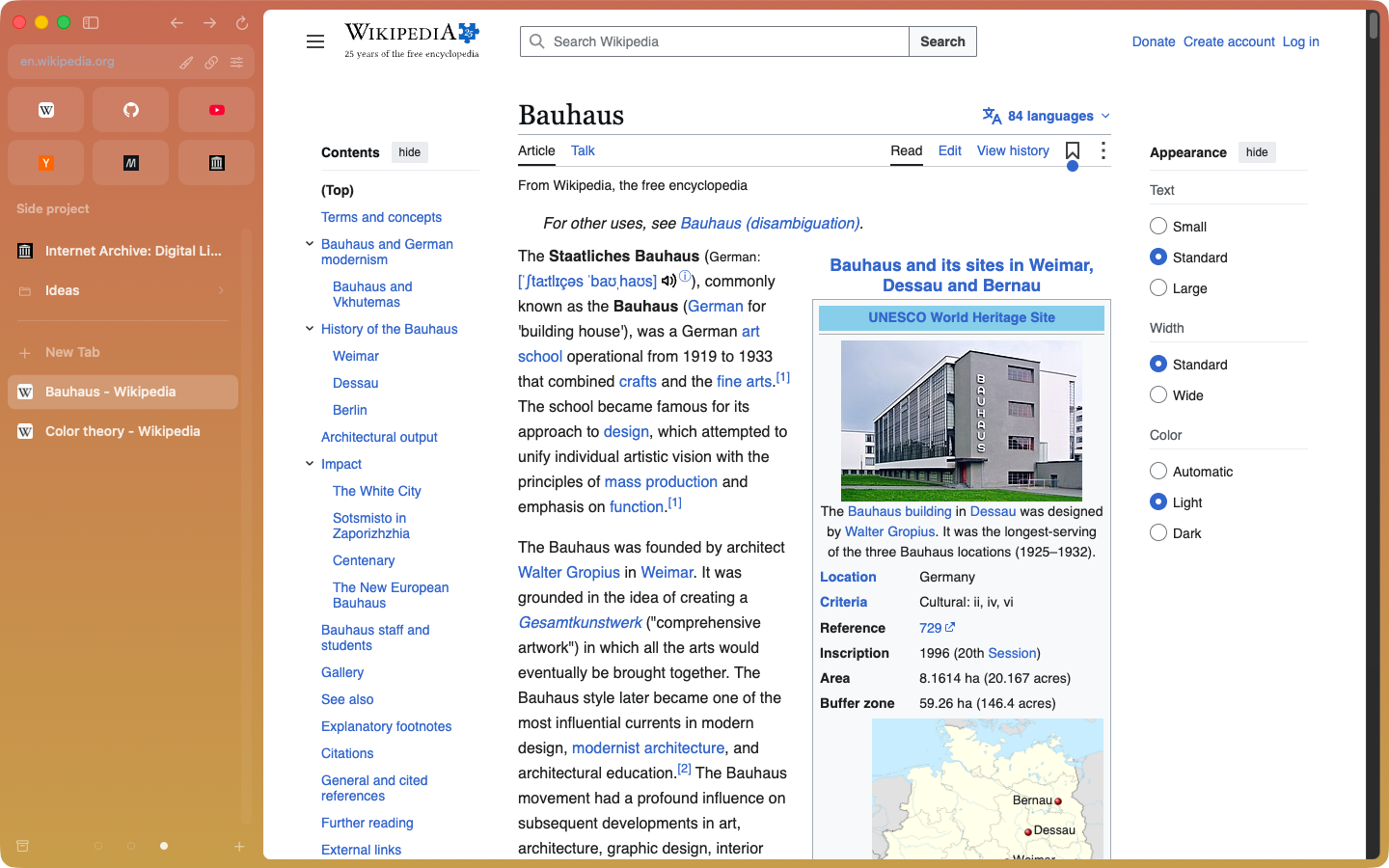
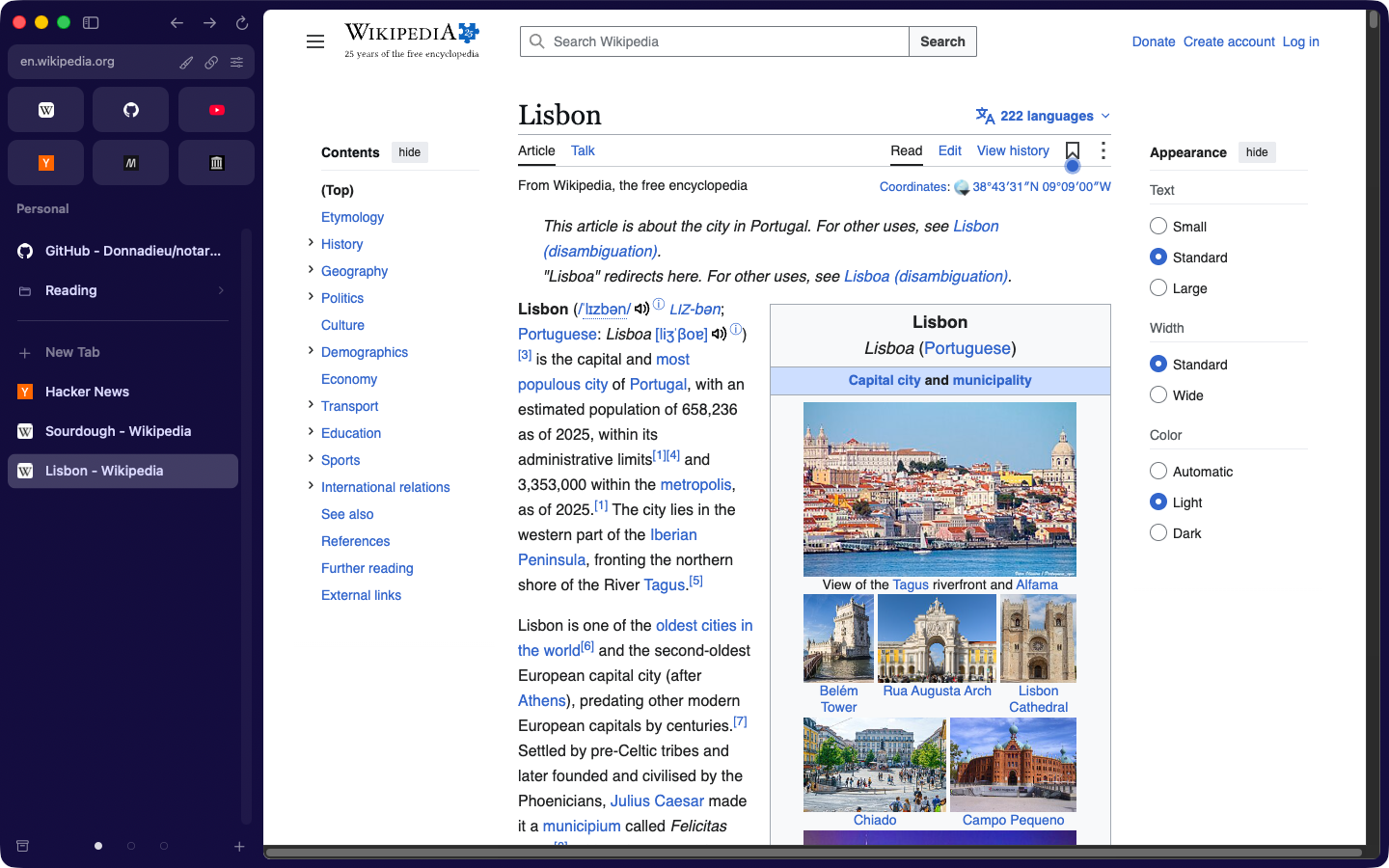
Favorites sit at the top as icon tiles. Below them, Pinned tabs and folders, nested and sorted by drag and drop. Today tabs go underneath.
 screenshots/main.png
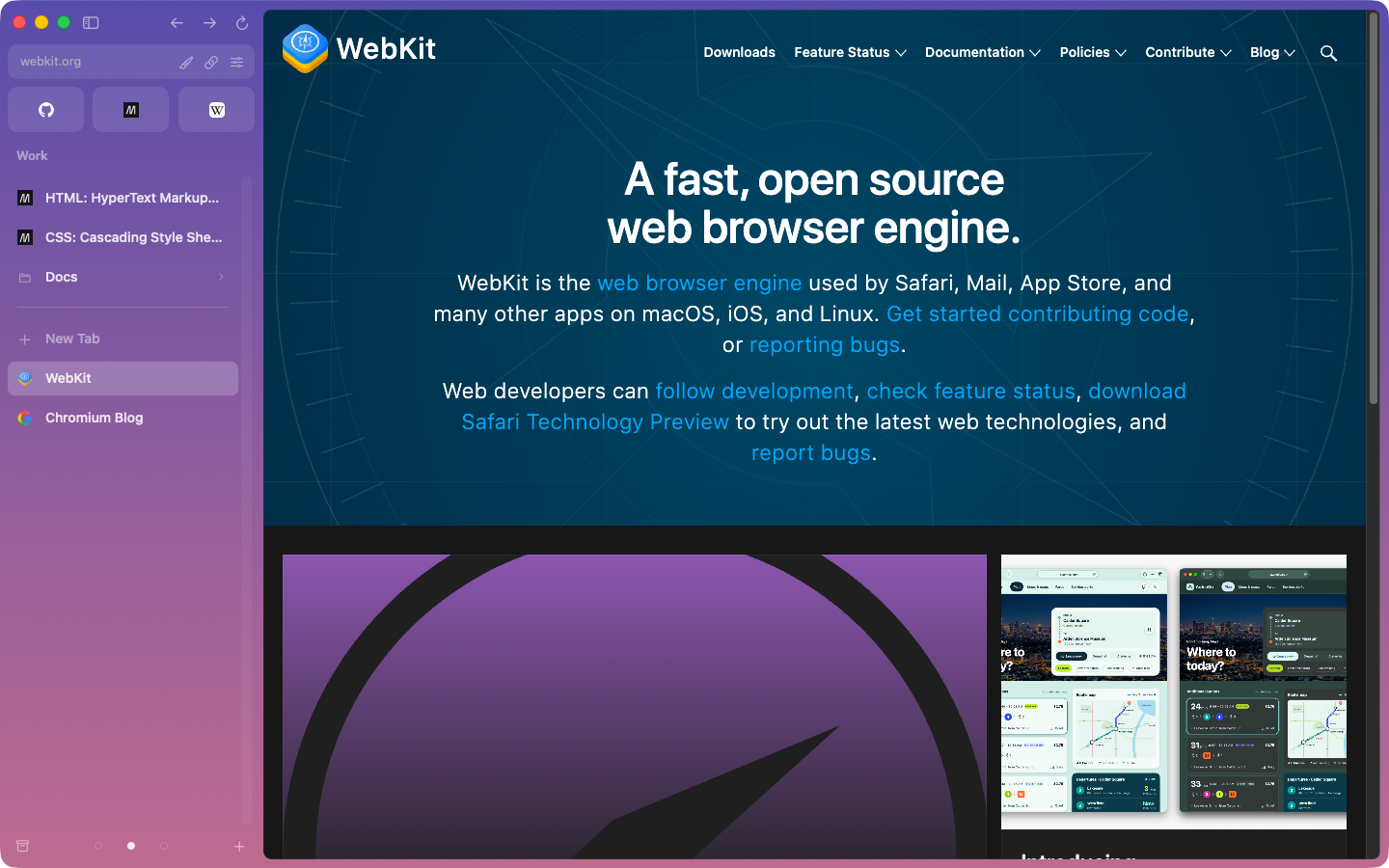
Each Space has its own browser profile, so work logins stay at work and personal ones stay home. Give it a colour or a two-colour gradient with grain, and an emoji icon.
 screenshots/space-work.png
Enter goes to an address or searches. Along the way it suggests open and pinned tabs from every Space, your history and menu commands, and it learns what you pick.
Search with Google, DuckDuckGo, Bing, Ecosia or Kagi.
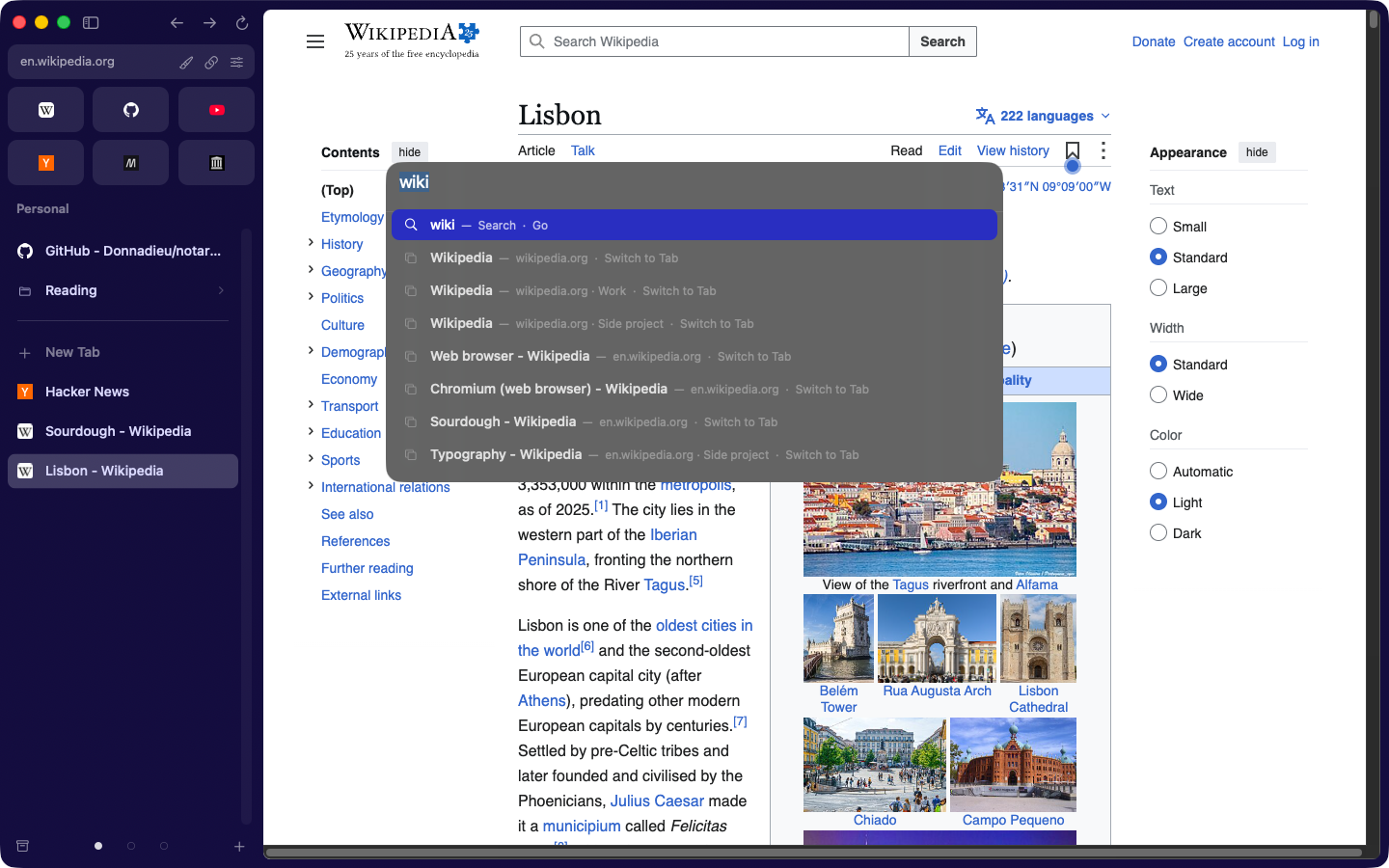 screenshots/command-bar.png
Drag a tab onto the page to split it. Keep going until four sit side by side.
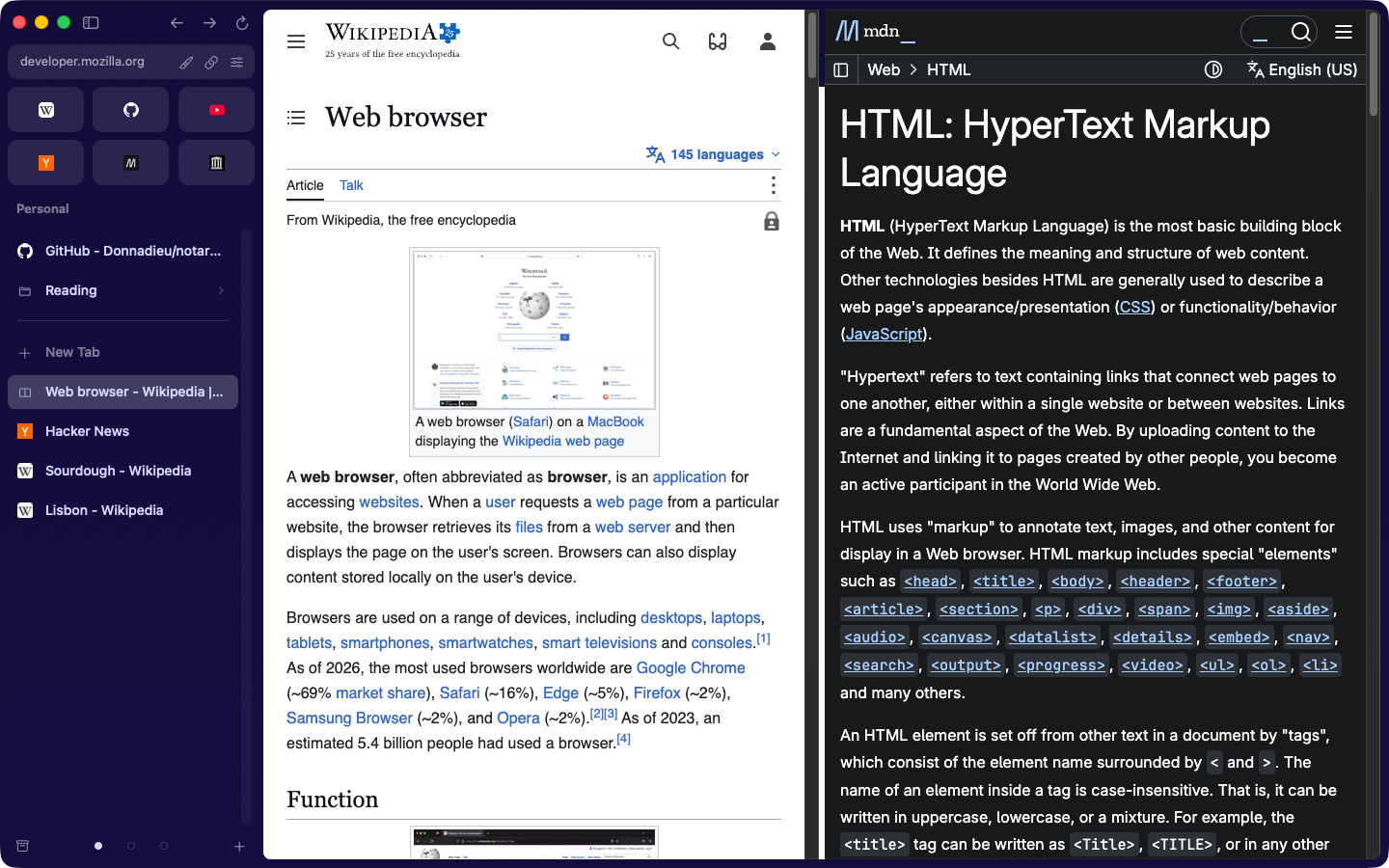 screenshots/split-view.png
Links from other apps open in a Little Window instead of a new tab. Links that leave a pinned site open in Peek, an overlay over the page you were on.
Today tabs you haven't used for 12 hours move to a searchable Archive. Pick anything from 6 hours to 30 days, or never.
On first launch NotArc imports what you had in Arc. The rest is one menu item away.
It only reads Arc's files. It never changes them.
The parity checklist tracks what's done and what isn't.
Or after. It'll still be here.
Apple Silicon Mac (M1 or newer), macOS 13 or later